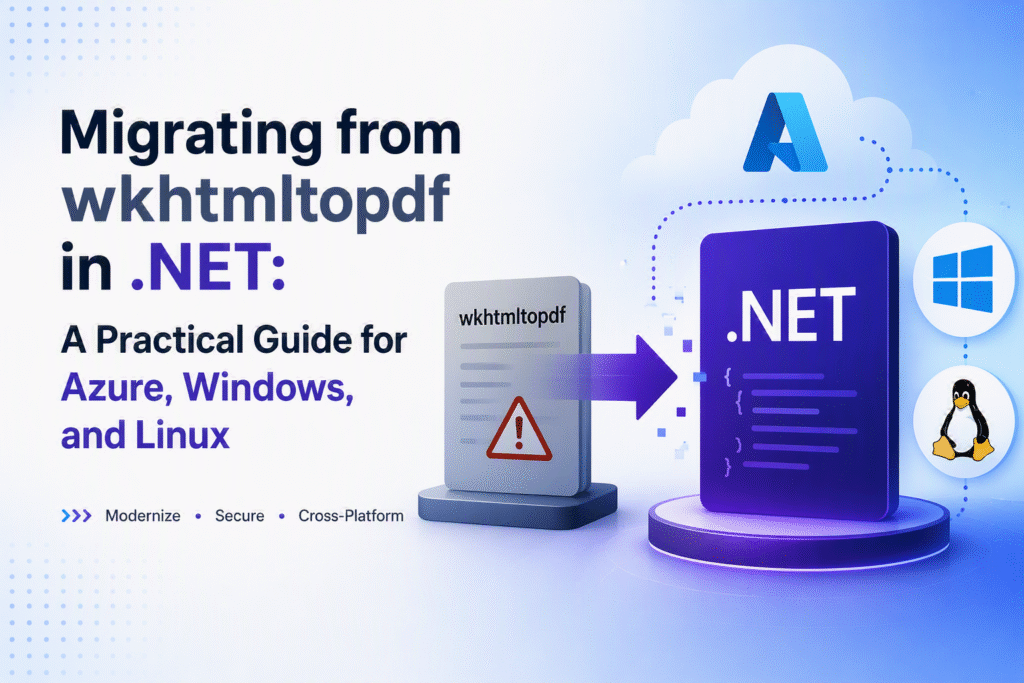
wkhtmltopdf is archived. Your .NET applications need a modern replacement that works reliably across Windows, Azure, and Linux environments. This guide walks you through production-ready migration paths with code you can implement today.
Why the Archive Matters
wkhtmltopdf reached end-of-life without security updates or feature development. While existing installations continue working, new projects require actively maintained alternatives. The .NET ecosystem now offers several robust options that integrate seamlessly with modern deployment pipelines.
Migration Options Compared
| Option | Runtime | License | Best For | Complexity |
|——–|———|———|———-|————|
| PuppeteerSharp | .NET Core | MIT | Drop-in HTML to PDF | Low |
| Playwright for .NET | .NET Core | Apache 2.0 | Cross-browser support | Medium |
| Chrome DevTools Protocol | .NET 6+ | BSD | Full browser control | High |
| WeasyPrint | .NET Core | BSD | CSS-intensive layouts | Medium |
| QuestPDF | .NET Core | MIT | Code-first PDFs | Medium |
PuppeteerSharp typically provides the smoothest transition from wkhtmltopdf. We’ll use it for primary examples, with notes on Playwright where relevant.
Windows Service Implementation
Setting Up PuppeteerSharp
Create a background service that manages browser lifecycle efficiently:
// Program.cs
using Microsoft.Extensions.Hosting;
using PuppeteerSharp;

var host = Host.CreateDefaultBuilder(args)
    .ConfigureServices(services =>
    {
        services.AddHostedService<PdfGeneratorService>();
    })
    .Build();

await host.RunAsync();
// PdfGeneratorService.cs
public class PdfGeneratorService : BackgroundService
{
    private readonly ILogger<PdfGeneratorService> _logger;
    private IBrowser? _browser;

    public PdfGeneratorService(ILogger<PdfGeneratorService> logger)
    {
        _logger = logger;
    }

    protected override async Task ExecuteAsync(CancellationToken stoppingToken)
    {
        try
        {
            var options = new LaunchOptions
            {
                Headless = true,
                Args = new[] { "--no-sandbox", "--disable-setuid-sandbox" }
            };

            _browser = await Puppeteer.LaunchAsync(options);

            while (!stoppingToken.IsCancellationRequested)
            {
                await using var page = await _browser.NewPageAsync();
                await page.GoToAsync("https://example.com/report");
                await page.PdfAsync("reports/report.pdf");

                _logger.LogInformation("PDF generated at {Time}", DateTime.UtcNow);
                await Task.Delay(TimeSpan.FromMinutes(30), stoppingToken);
            }
        }
        catch (Exception ex)
        {
            _logger.LogError(ex, "PDF generation failed");
        }
        finally
        {
            if (_browser != null)
            {
                await _browser.CloseAsync();
            }
        }
    }
}
Always dispose browser instances properly. The --no-sandbox flag is necessary only in Windows service contexts where sandboxing isn’t available.
Azure Functions Deployment
HTTP-Triggered PDF Generation
Deploy this function to Azure using the isolated process model for better stability:
// PdfFunction.cs
[Function("GeneratePdf")]
public static async Task<HttpResponseData> Run(
    [HttpTrigger(AuthorizationLevel.Function, "post")] HttpRequestData req,
    FunctionContext context)
{
    var logger = context.GetLogger("GeneratePdf");
    var response = req.CreateResponse();

    try
    {
        var requestBody = await new StreamReader(req.Body).ReadToEndAsync();

        await using var browser = await Puppeteer.LaunchAsync(new LaunchOptions
        {
            Headless = true,
            Args = new[]
            {
                "--no-sandbox",
                "--disable-setuid-sandbox",
                "--disable-dev-shm-usage"
            }
        });

        await using var page = await browser.NewPageAsync();
        await page.GoToAsync(requestBody, new NavigationOptions
        {
            WaitUntil = new[] { WaitUntilNavigation.Networkidle2 }
        });

        var pdfBytes = await page.PdfDataAsync();

        response.Headers.Add("Content-Type", "application/pdf");
        response.Headers.Add("Content-Disposition",
            $"attachment; filename=report_{DateTime.UtcNow:yyyyMMddHHmmss}.pdf");
        await response.WriteBytesAsync(pdfBytes);
    }
    catch (Exception ex)
    {
        logger.LogError(ex, "PDF generation failed");
        response.StatusCode = HttpStatusCode.InternalServerError;
    }

    return response;
}
Azure-specific considerations:
- Use Premium tier for adequate memory allocation
- Enable the isolated process model for improved reliability
- Monitor memory consumption closely during peak loads
Linux Deployment Challenges
Required System Dependencies
Install these packages on Ubuntu/Debian before running PuppeteerSharp:
sudo apt-get update
sudo apt-get install -y \
    libnss3 libatk1.0-0 libatk-bridge2.0-0 libcups2 libdrm2 \
    libxcomposite1 libasound2 libpango-1.0-0 libcairo2 \
    libxdamage1 libxfixes3 libxrandr2 libgbm1
Docker Configuration
Use this Dockerfile for reliable Linux deployments:
FROM mcr.microsoft.com/dotnet/aspnet:8.0 AS base
WORKDIR /app
EXPOSE 80

# Install Chrome with proper security verification
RUN apt-get update && \
    apt-get install -y wget gnupg && \
    wget -q -O - https://dl-ssl.google.com/linux/linux_signing_key.pub | \
    gpg --dearmor -o /usr/share/keyrings/googlechrome-linux-keyring.gpg && \
    echo "deb [arch=amd64 signed-by=/usr/share/keyrings/googlechrome-linux-keyring.gpg] \
    http://dl.google.com/linux/chrome/deb/ stable main" > \
    /etc/apt/sources.list.d/google-chrome.list && \
    apt-get update && \
    apt-get install -y google-chrome-stable && \
    rm -rf /var/lib/apt/lists/*

ENV PUPPETEER_SKIP_DOWNLOAD=true
ENV PUPPETEER_EXECUTABLE_PATH=/usr/bin/google-chrome-stable

FROM mcr.microsoft.com/dotnet/sdk:8.0 AS build
WORKDIR /src
COPY ["PdfGenerator.csproj", "."]
RUN dotnet restore "./PdfGenerator.csproj"
COPY . .
RUN dotnet build "./PdfGenerator.csproj" -c Release -o /app/build

FROM build AS publish
RUN dotnet publish "./PdfGenerator.csproj" -c Release -o /app/publish

FROM base AS final
WORKDIR /app
COPY --from=publish /app/publish .
USER app
ENTRYPOINT ["dotnet", "PdfGenerator.dll"]
This configuration handles Chrome installation securely, uses current .NET 8 base images, and runs as a non-root user for enhanced security.
Production Patterns That Work
Managed Concurrency
Control resource usage with semaphore-based throttling:
private static readonly SemaphoreSlim _semaphore = new(5);

public async Task<byte[]> GeneratePdfAsync(string url)
{
    await _semaphore.WaitAsync();
    try
    {
        await using var page = await _browser.NewPageAsync();
        await page.GoToAsync(url, new NavigationOptions
        {
            WaitUntil = new[] { WaitUntilNavigation.DOMContentLoaded }
        });
        return await page.PdfDataAsync();
    }
    finally
    {
        _semaphore.Release();
    }
}
Essential Practices
- Implement proper disposal patterns with
IAsyncDisposable - Validate and sanitize all input URLs
- Monitor memory consumption and browser instance count
- Add retry logic for transient failures
Common Issues and Fixes
| Problem | Resolution |
|———|————|
| Browser crashes | Increase container memory, reduce concurrent operations |
| Empty PDFs | Set PrintBackground = true, extend content loading waits |
| Timeout errors | Adjust navigation timeouts, use appropriate WaitUntil conditions |
| Permission denied | Run containers with non-root users, verify file system permissions |
Alternative Approaches
Consider these options when PuppeteerSharp isn’t the right fit:
- QuestPDF: Generate PDFs directly in .NET without browser dependencies
- iTextSharp: Mature library for programmatic PDF creation
- WeasyPrint: Better CSS support for complex layouts
These work well for scenarios requiring simple PDFs or strict rendering compatibility with legacy systems.
Next Steps
Migrating from wkhtmltopdf delivers immediate benefits: active security patches, modern browser rendering, and seamless CI/CD integration. Start with PuppeteerSharp for minimal disruption, then evaluate Playwright if you need multi-browser support or advanced automation features.
The critical success factors remain consistent: manage browser resources carefully, respect platform limitations, and monitor performance in your specific environment.