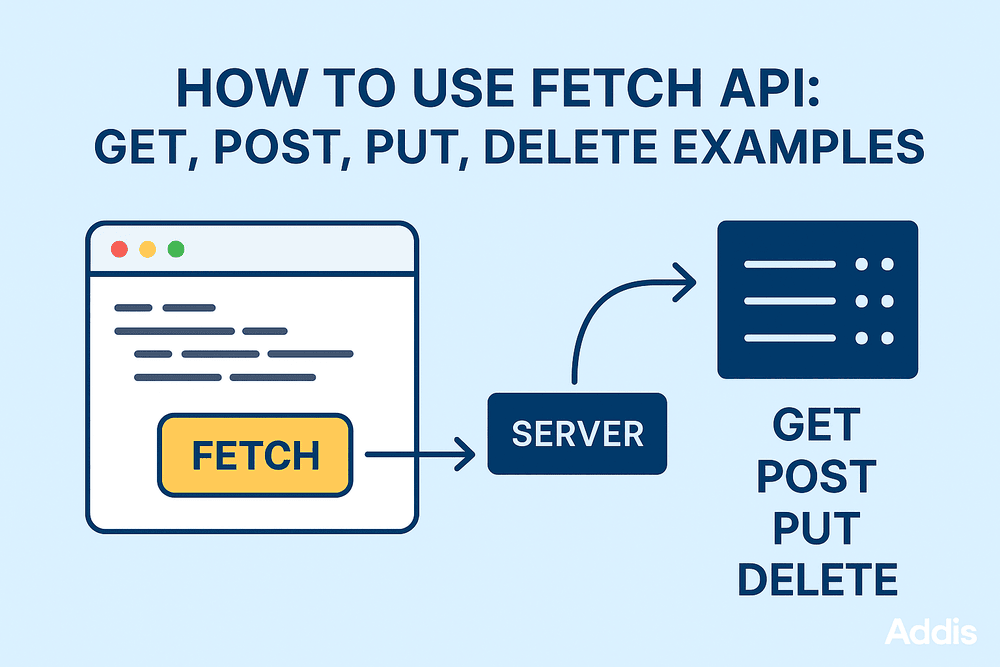
The Fetch API provides a modern and cleaner way to make HTTP requests in JavaScript. Whether you’re building front-end apps, connecting to REST APIs, or working with JSON data, Fetch makes the process simple and flexible. In this guide, you’ll learn how to use Fetch for GET, POST, PUT, and DELETE requests with clean examples.
What Is the Fetch API?
The Fetch API is a built-in browser feature that lets you send HTTP requests using JavaScript. It returns a Promise, making it easier to handle asynchronous operations.
// Basic syntax
fetch(url, options)
  .then(response => response.json())
  .then(data => console.log(data))
  .catch(error => console.error(error));
1. Fetch API GET Request Example
Use GET requests to retrieve data from the server.
fetch("https://jsonplaceholder.typicode.com/posts/1")
  .then(res => res.json())
  .then(data => console.log(data))
  .catch(err => console.error(err));
2. Fetch API POST Request Example
Use POST when you want to send new data to the server.
fetch("https://jsonplaceholder.typicode.com/posts", {
  method: "POST",
  headers: {
    "Content-Type": "application/json"
  },
  body: JSON.stringify({
    title: "New Post",
    body: "This is a created post",
    userId: 1
  })
})
.then(res => res.json())
.then(data => console.log(data))
.catch(err => console.error(err));
3. Fetch API PUT Request Example
Use PUT to update existing data.
fetch("https://jsonplaceholder.typicode.com/posts/1", {
  method: "PUT",
  headers: {
    "Content-Type": "application/json"
  },
  body: JSON.stringify({
    id: 1,
    title: "Updated Title",
    body: "Updated Post Content",
    userId: 1
  })
})
.then(res => res.json())
.then(data => console.log(data))
.catch(err => console.error(err));
4. Fetch API DELETE Request Example
Use DELETE to remove data from the server.
fetch("https://jsonplaceholder.typicode.com/posts/1", {
  method: "DELETE"
})
.then(() => console.log("Deleted successfully"))
.catch(err => console.error(err));
Handling Errors in Fetch API
Fetch does not reject promises on HTTP errors — you must check manually.
fetch("https://jsonplaceholder.typicode.com/posts/1000")
  .then(res => {
    if (!res.ok) {
      throw new Error("Request failed: " + res.status);
    }
    return res.json();
  })
  .then(data => console.log(data))
  .catch(err => console.error(err));
Conclusion
The Fetch API is a powerful tool for working with RESTful APIs in JavaScript. It is promise-based, flexible, and simpler compared to older methods like XMLHttpRequest. With GET, POST, PUT, and DELETE examples, you can now perform all essential CRUD operations easily.